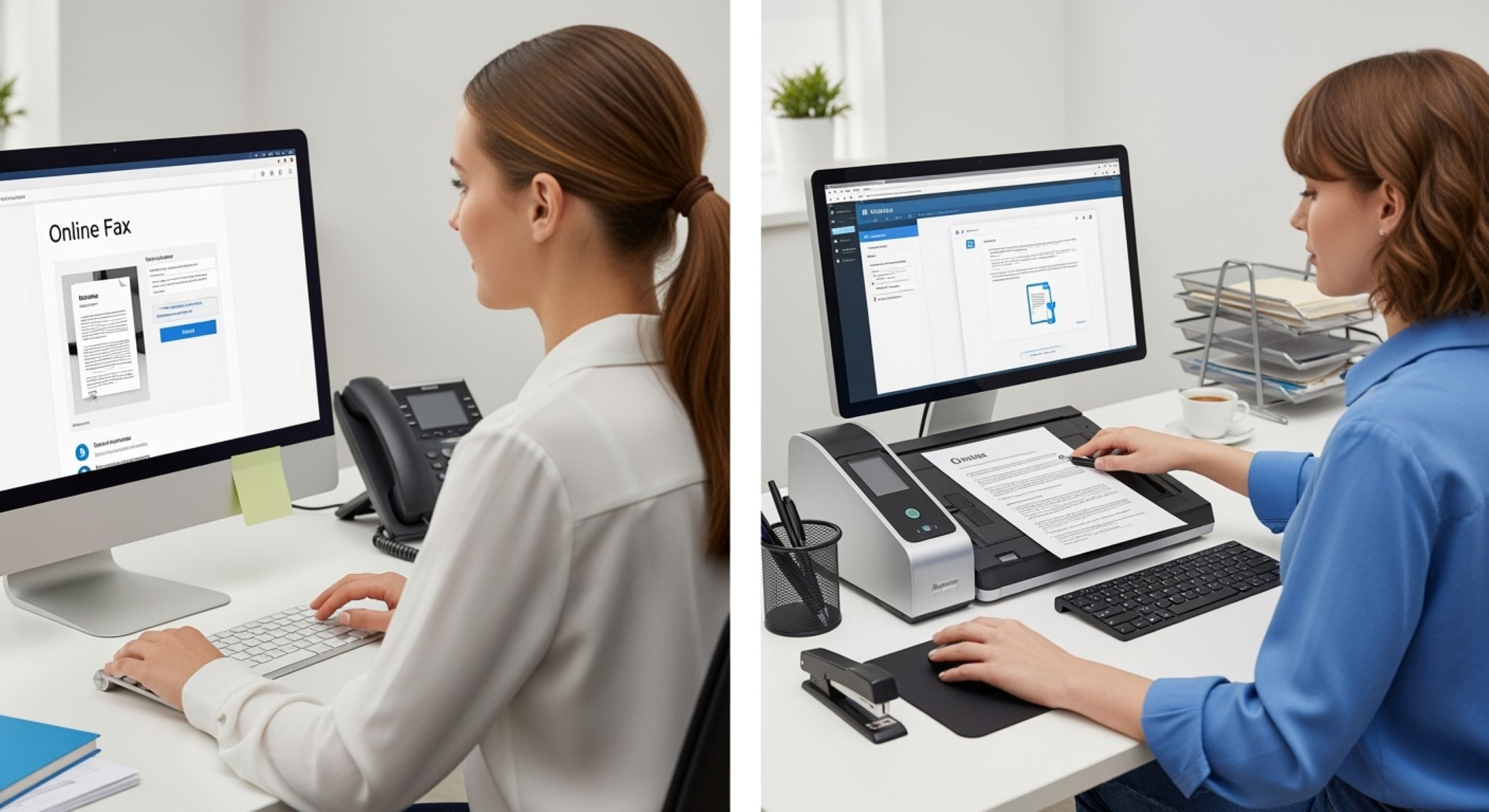
When it comes to sending documents in today’s fast-paced digital world, you might wonder: should I go for online faxing or just scan and email? Both have their fans, but what’s really the best fit for you? Let’s dive deep, break down these two contenders, and see which one truly wins the race for hassle-free document delivery.
What Is Online Faxing?
You might be thinking, “Fax? Isn’t that ancient history?” Surprisingly, online faxing is far from outdated. It’s actually the modern, streamlined version of the old fax machine method. Instead of dealing with bulky equipment, paper jams, and noisy dialing, online faxing lets you send and receive faxes entirely through the internet. This means no more waiting by a machine or rushing to scan documents afterward — everything happens digitally, making the process faster and more convenient for both individuals and businesses.
Online faxing works by converting your documents into a digital format and transmitting them over the internet to the recipient’s fax machine or their own online fax service. Instead of physically placing papers into a fax machine, you simply upload your document — whether it’s a PDF, Word file, or an image — through an online platform or app. Then, you enter the recipient’s fax number, and the system sends your file electronically. The recipient receives it just like a traditional fax, but all the complex hardware and phone lines are handled behind the scenes by the service provider.
What makes online faxing particularly appealing is the flexibility and ease of use it offers. You can send and receive faxes from virtually anywhere — your computer, smartphone, or tablet — as long as you have an internet connection. Plus, many online fax services integrate smoothly with cloud storage platforms like Google Drive or Dropbox, and with email clients such as Outlook, allowing you to organize, save, and forward your faxes seamlessly without juggling multiple tools or formats.
Several popular providers dominate the online fax market, each offering various plans and features tailored to different needs. Services like eFax, MyFax, Fax.Plus, and HelloFax offer free trials so you can test their platforms before committing. Their monthly costs vary, usually ranging from around $6 to $17, depending on how many pages you need to send or receive. All these providers support mobile apps, making faxing on the go a breeze, and they often provide useful integrations with productivity tools, helping users stay efficient and connected in today’s digital work environment.
What Is Scanning and Emailing?
| Tool Category | Examples | File Formats Supported | Key Features | Ideal Use Case |
| Dedicated Scanners | Epson Perfection, Canon CanoScan | PDF, JPEG, TIFF | High resolution, batch scanning | Office environments needing high-quality scans |
| Multi-function Printers | HP OfficeJet, Brother MFC | PDF, JPEG, PNG | Scan, print, copy, email directly | Small offices and home users |
| Smartphone Apps | Adobe Scan, Microsoft Office Lens, CamScanner | PDF, JPEG | Auto-cropping, image enhancement | Quick scanning on the go |
| Email Clients | Gmail, Outlook, Yahoo Mail | N/A (attachments support various) | Easy attachment handling, quick sending | Sending scanned files to any recipient |
| Cloud Storage Services | Google Drive, Dropbox, OneDrive | PDF, DOCX, JPG | File storage, sharing, integration | Long-term storage and sharing of scanned documents |
Why People Still Use Faxing in the Digital Age
You might ask, “Isn’t faxing dead?” Actually, no. Despite the rise of countless digital communication tools, faxing remains an important and trusted method for transmitting documents, especially in certain professional fields. The persistence of faxing is largely tied to its reliability, security, and legal recognition. Let’s explore in detail why faxing continues to hold its ground even as technology evolves.
- Regulatory Compliance: Industries such as healthcare, law, and finance are bound by strict regulations like HIPAA (Health Insurance Portability and Accountability Act) in the U.S., which governs the privacy and security of sensitive patient information. Faxing provides a compliant way to transmit these documents without risking data breaches.
- Secure Point-to-Point Transmission: Unlike email, which sends messages through multiple servers and stores them in inboxes that could be hacked or intercepted, faxing sends documents directly from sender to receiver over dedicated phone lines or encrypted internet connections, reducing the risk of unauthorized access.
- Legal Acceptance: Faxed documents, especially those containing signatures, are widely accepted as legally binding in many jurisdictions. Courts and regulatory bodies often recognize faxed contracts and forms as valid, making faxing a preferred method for official paperwork.
- Ease of Verification: Because fax transmissions generate confirmation receipts proving that a document was sent and received, businesses can track and verify document delivery more reliably compared to emails, which can be lost or blocked by spam filters.
- Compatibility with Existing Systems: Many organizations have legacy systems and workflows built around fax machines or fax numbers. Transitioning fully to email or digital document management can be costly or complicated, so faxing remains integrated in daily operations.
- Reduced Risk of Phishing and Malware: Email is a common vector for phishing attacks and malware infections. Faxing bypasses email systems, reducing exposure to these cyber threats and providing a safer way to send sensitive information.
- Universal Access: Fax machines and online fax services are ubiquitous, meaning almost anyone can send or receive a fax without worrying about file format compatibility, internet speed, or email server issues.
- No Dependence on Internet Stability: Traditional faxing over phone lines doesn’t rely on internet connectivity, which can be an advantage in areas with unreliable or limited internet access.
- Retention of Paper Trails: Faxing produces a physical or digital paper trail, which some businesses prefer for audit purposes, record keeping, and compliance audits.
- Integration with Modern Technology: Online fax services combine the security of faxing with the convenience of digital communication, allowing users to send faxes directly from computers, smartphones, or email clients without needing physical fax machines.
Pros and Cons: Online Faxing
Online faxing has revolutionized how we send and receive faxes by eliminating the need for traditional fax machines and physical paper. One of the biggest advantages is the convenience it offers — you can send and receive faxes from anywhere as long as you have an internet connection. This flexibility means no more being tied to a bulky machine or worrying about paper jams and toner shortages. Plus, since all documents are stored digitally, it’s much easier to organize, archive, and retrieve important files whenever you need them, streamlining your workflow and reducing clutter.
Another major benefit of online faxing is its compliance with various industry standards. Many online fax services are designed to meet regulatory requirements in fields like healthcare and law, ensuring that sensitive documents are handled securely and legally. Furthermore, these services often come packed with modern features such as electronic signatures and cloud integration, allowing users to sign, share, and collaborate on documents seamlessly without leaving the platform. This makes online faxing not just a digital replacement for traditional faxing, but a powerful tool that enhances productivity.
However, online faxing isn’t without its drawbacks. One of the most common concerns is cost — while online faxing saves money on paper and maintenance, monthly subscription fees can add up, especially for users who don’t send faxes frequently. Additionally, since online faxing relies entirely on a stable internet connection, any outages or slowdowns can disrupt your ability to send or receive documents promptly. This dependency can be a critical downside in areas with unreliable internet access.
Finally, it’s important to consider the recipient’s side of the equation. For online faxing to work smoothly, the person or organization you’re sending documents to must have a physical fax machine or use a compatible online fax service. If the recipient lacks this setup, your fax may fail or require alternative delivery methods. Despite these limitations, for many businesses and professionals, the pros of online faxing far outweigh the cons, making it a preferred choice for secure, efficient document transmission in the digital age.
Pros and Cons: Scanning and Emailing
| Aspect | Pros | Cons | Impact on Workflow | Ideal Use Case |
| Cost | Often free or very low cost | May require investment in scanner or paid apps | Low financial barrier encourages frequent use | Individuals and small businesses on a budget |
| Ease of Use | Familiar process for most users | Manual steps required for scanning, attaching, and sending | Can be time-consuming with large or multiple files | Casual and occasional document sharing |
| Document Quality | Supports high-resolution color scans and images | Scanning quality varies based on device and settings | Variable quality may require rescanning | Sending detailed images or color documents |
| Delivery Reliability | Easy to send to any valid email address | Attachments may be blocked by spam filters or size limits | Risk of delivery failure without notifications | Non-critical documents where quick feedback isn’t essential |
| Legal and Formal Use | Convenient for informal sharing | Less accepted in legal or regulated industries | May require alternative methods for official docs | Personal use or non-regulated business communications |
Comparing Delivery Speed
If you’re in a hurry, understanding how fast your documents will reach the recipient is crucial. Here’s a detailed breakdown of delivery speed factors for both online faxing and scanning plus emailing:
- Online Faxing Delivery Speed:
- Generally delivers documents instantly or within a few seconds.
- The transmission happens digitally over the internet directly to the recipient’s fax machine or online fax service.
- Speed depends heavily on the recipient’s fax machine being active and ready to receive.
- If the recipient’s fax line is busy or offline, delivery can be delayed or fail.
- No manual intervention is needed once you hit send; the process is mostly automated.
- Less affected by file size since fax transmissions compress data into fax-compatible formats.
- Works best in environments with reliable internet and properly maintained fax infrastructure.
- Confirmation receipts are often available quickly, confirming delivery success.
- Scanning and Emailing Delivery Speed:
- Typically takes from several seconds up to a few minutes.
- After scanning, you must manually attach the file to an email and send it.
- The file size directly impacts the time needed for uploading, sending, and downloading.
- Larger or high-resolution scanned documents can cause noticeable delays.
- Network speed on both sender’s and recipient’s ends affects total delivery time.
- Emails can sometimes get caught in spam filters or be delayed by email servers.
- Requires recipient to have internet access and check their email for the document.
- No automatic confirmation unless the recipient manually responds or you use specialized email tracking.
- Quality and resolution settings during scanning can increase file size, slowing transmission.
- General Considerations:
- Both methods rely on a stable internet connection for quick sending and receiving.
- Online faxing is optimized for quick, direct transmission to fax machines or fax services.
- Scanning and emailing offer more flexibility in file formats but can be slower depending on file size and network conditions.
- For urgent, time-sensitive documents, online faxing generally provides faster delivery if the recipient is set up to receive faxes.
- For everyday or less urgent document sharing, scanning and emailing is convenient and sufficiently fast.
- Depending on recipient preferences and available technology, one method may be clearly more practical than the other.
- When choosing between the two, consider the reliability of the recipient’s equipment and network infrastructure.
- Online faxing tends to be preferred in professional and regulated environments where speed and confirmation are critical.